
QSR Digital Signage
Software
QSR digital signage—including menu boards, kiosks, and outdoor displays—boosts sales through instant updates, dayparting, and targeted upselling. Key use cases include automated menu changes, interactive ordering, promotional advertising, reducing perceived wait times, and managing inventory in real-time.
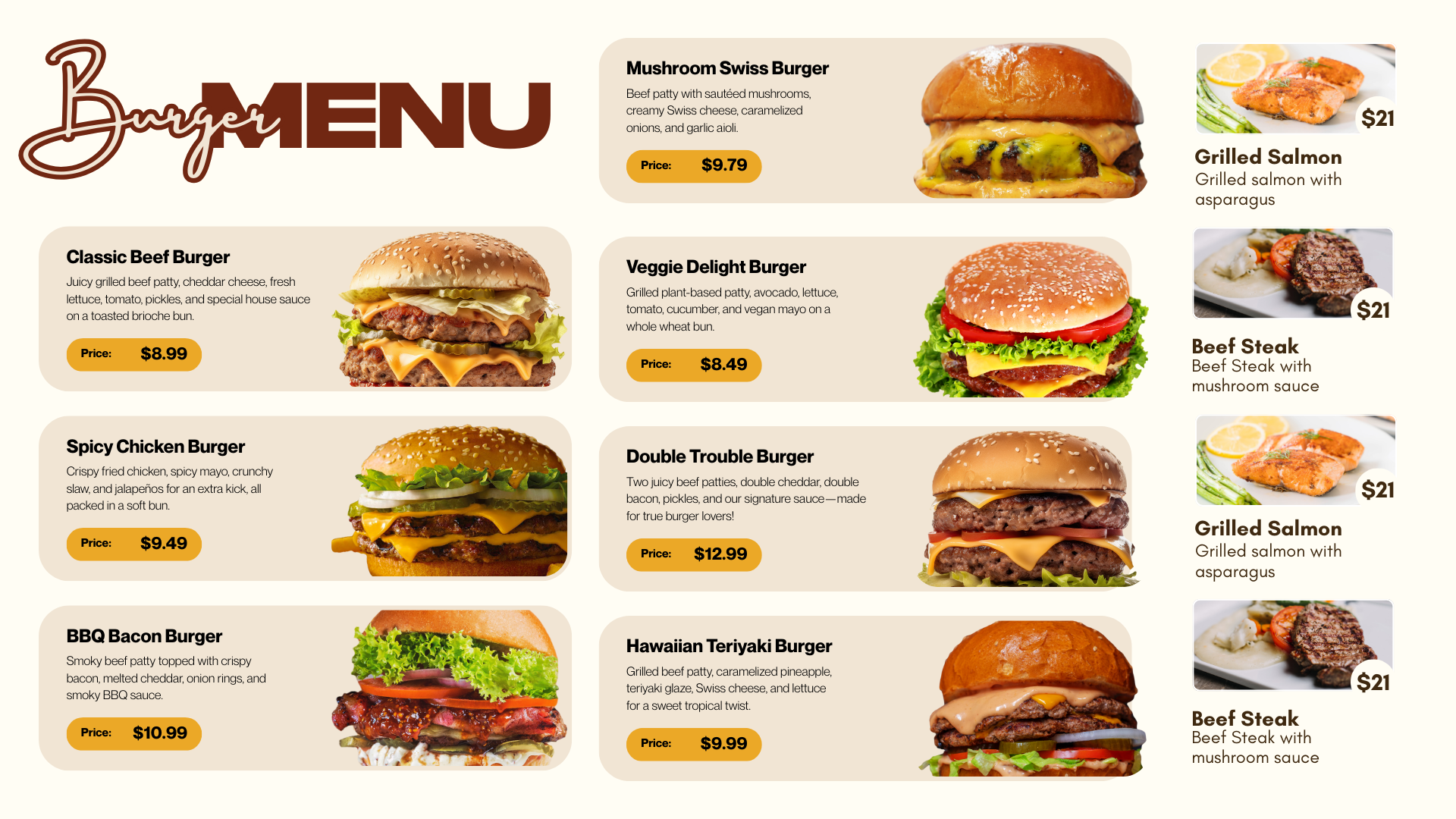
Tip: Dayparting lets you switch breakfast → lunch → dinner automatically without staff effort.
Why QSR brands choose .DS (DigitalSigns.ai)
Built for speed, consistency, and scale—so operators can move fast and stay accurate across locations.
Automated menu changes
Update pricing, items, and nutrition instantly across one store or hundreds of locations.
Dayparting & scheduling
Automatically switch menus (breakfast, lunch, dinner) at scheduled times.
Targeted promotions & upsells
Feature LTOs, combos, and high-margin items with engaging visuals or videos.
Unlike generic signage tools, a QSR-focused digital signage CMS is built for rapid updates, daypart scheduling, and multi-location control—critical in fast-paced restaurant environments.
Common QSR digital signage use cases
Menu boards, kiosks, drive-thru screens, order status displays, and more—designed to increase sales and reduce wait times.
Digital Menu Boards
Instantly update pricing, items, and nutritional information across one or many locations.
Dayparting
Automatically switch menus (e.g., breakfast to lunch) at scheduled times.
Drive-Thru & Outdoor Displays
High-brightness screens attract customers, promote items, and speed up the ordering process.
Self-Order Kiosks
Interactive, touch-enabled screens allow customers to order directly, reducing staff workload and wait times.
Promotional & Upselling Content
Feature limited-time offers (LTOs), combos, or high-margin items with engaging visuals or videos.
Order Status Boards
Keep customers informed about when their orders are ready, reducing counter congestion.
Social Media & User-Generated Content
Display customer posts, selfies, or reviews to build brand engagement and trust.
Internal Communication
Use screens to display store hours, safety protocols, or employee hiring messages.
Dynamic Inventory Control
Quickly hide out-of-stock items, preventing customer frustration and improving order accuracy.
Key features for QSR operations
Everything you need to manage QSR digital signage across menu boards, kiosks, and drive-thru displays—without complexity.
Centralized signage CMS
Manage content for menu boards, kiosks, and indoor/outdoor screens from a single dashboard.
Instant publishing at scale
Push updates to one screen, one store, or all locations in seconds.
Dayparting rules
Schedule automated menu switching by time/day (breakfast, lunch, dinner, late-night).
Promotions & upsells
Run LTO campaigns, combos, and high-margin items with visuals/video for better conversions.
Order status display support
Use dedicated screens to show order status and reduce congestion at the counter.
Real-time item visibility
Hide out-of-stock items quickly to avoid frustration and reduce incorrect orders.
Explore digital menu boards, browse menu board templates, or see digital signage pricing.
Frequently asked questions
SEO-friendly buyer questions for QSR menu boards, kiosks, dayparting, and multi-location management.
Ready to modernize your QSR digital signage?
Talk to our team and we’ll recommend the best setup for menu boards, kiosks, and drive-thru screens across your locations.