Top Digital Signage Software Compared (2025 Review + Pros & Cons)
The Best Digital Signage Software in 2025: An Honest Comparison
Let’s be honest: the digital signage market is a bit of a mess right now. If you’ve spent more than five minutes searching for "digital signage software," you’ve probably been hit with dozens of ads promising everything from "next-gen AI" to "free hardware for life."
But choosing the right software isn't just about finding the one with the most flashy icons. It's about finding the one that actually works with the screens you already have, fits the budget your boss gave you, and—most importantly—doesn't make you want to throw your laptop out the window every time you need to update a menu or a promo slide.
We’ve waded through the data from G2, Capterra, and SoftwareAdvice, and we’ve run the tests ourselves. Whether you’re an IT director managing a global network or a shop owner with exactly one screen, here’s the unvarnished truth about the best platforms for 2025.
2025 Comparison at a Glance
If you’re in a rush (and who isn't?), here’s the "cheat sheet." We’ll dive into the "why" for each one below.
| Platform | Best For | Hardware | The Vibe | Price Range | | :--- | :--- | :--- | :--- | :--- | | ScreenCloud | Massive Teams | Anything | The "Safe" Corporate Giant | Premium | | Raydiant | Retail & Dining | Their Own Box | High-End & Polished | Mid-High | | Yodeck | Tight Budgets | Raspberry Pi | The Reliable Workhorse | Budget | | DigitalSigns.ai | Fast-Moving SMEs | Any Browser | Quick, Modern & Mobile-First | Competitive | | OptiSigns | The All-Rounder | Android/Fire | Reliable & Versatile | Mid-Range | | NoviSign | Kiosks & Design | Android/Windows | Powerful & Creative | Mid-Range | | TelemetryTV | Data & Charts | ChromeOS | Tech-Heavy & Secure | Premium | | Enplug | Social Media Fans | Enplug Box | Pretty & Curated | Premium | | Carousel | Schools & Gov | Apple TV | Secure & Scalable | Enterprise | | Skykit | Android Power Users| Android/Chrome | Fast, Lean & Native | Premium |
1. ScreenCloud: For When You Can't Afford a Mistake
If you’re running 500 screens across ten different time zones, ScreenCloud is usually the final destination. They’ve spent years building a platform that can handle the sheer chaos of enterprise-level signage.
- The Good: Their app store is arguably the best in the business. If you need to show PowerBI charts, Slack feeds, or internal Microsoft Teams updates, they don't just "support" it—they make it look native.
- The Bad: You’re going to pay for it. It’s a premium product with a premium price tag.
- The Verdict: Go with ScreenCloud if you’re a large organization that needs SOC2 security and a system that won't fall over when you add your 1,000th screen.
2. Raydiant: The Retailer’s Best Friend
Raydiant doesn't just give you a login; they give you a physical experience. They’re famous for their proprietary hardware box, which essentially turns any TV into a "Raydiant Screen."
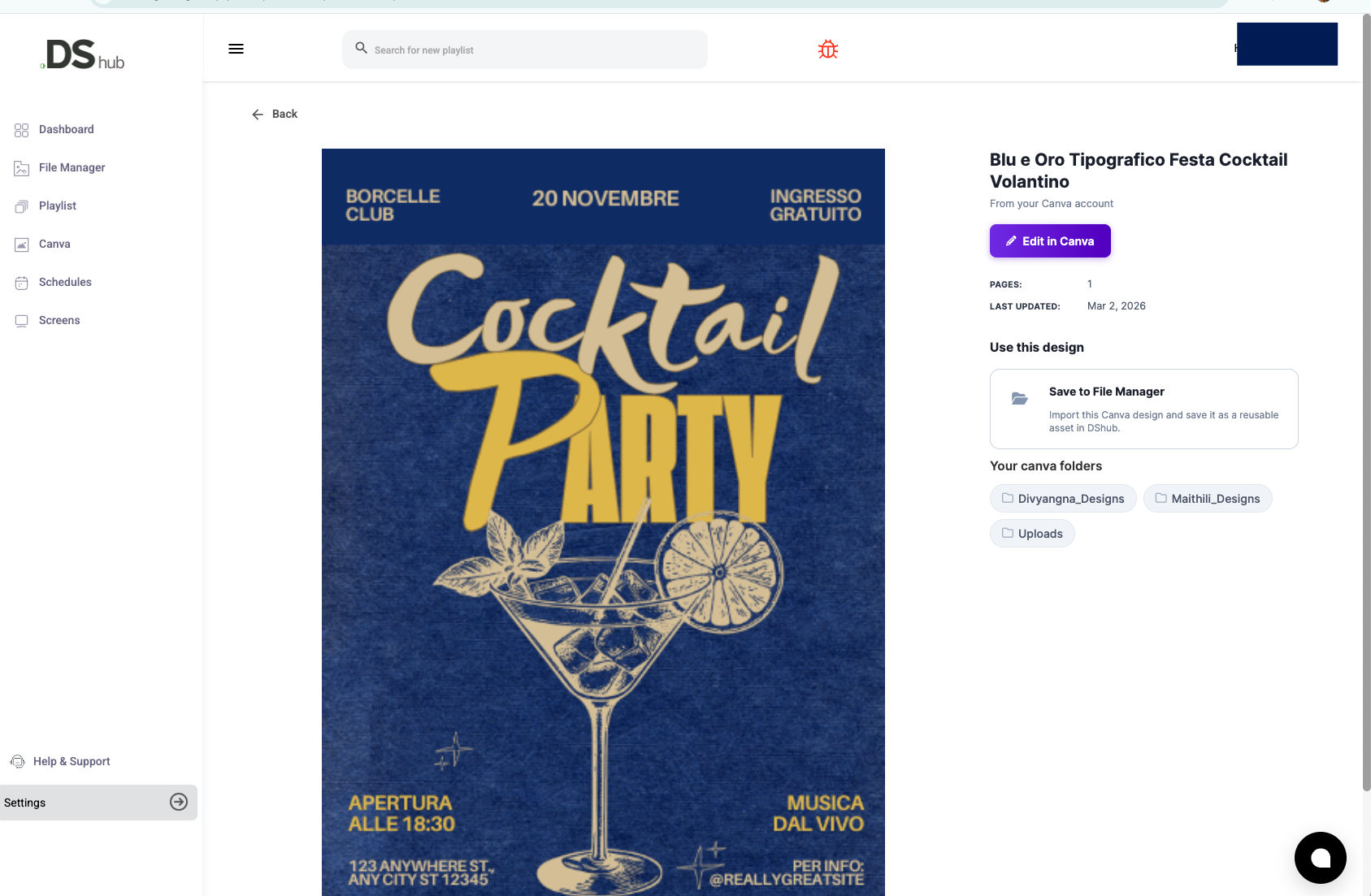
- The Good: It is incredibly stable. Because they control the hardware, you rarely see that dreaded "No Signal" or "App Crashed" message. Their Canva integration is also one of the smoothest we’ve seen.
- The Bad: You’re locked in. If you want to leave Raydiant, you’re left with a literal box of hardware that doesn't do much else.
- The Verdict: Perfect for restaurants and retail shops that want a "set it and forget it" solution that looks like it was designed by a pro agency.
3. Yodeck: Value That Actually Works
Yodeck basically pioneered the "Free Player" model. If you sign up for an annual plan, they’ll ship you a hardware player for free. For a small business, that’s a massive barrier to entry removed.
- The Good: It’s almost impossible to beat the price for what you're getting. They use Raspberry Pi hardware, which is famously reliable and uses almost no power.
- The Bad: The interface is functional, but it isn't "pretty." If you’re used to modern, ultra-sleek web apps, it might feel a little dated.
- The Verdict: If you’re a local shop on a budget and you just want your screens to stay on and look decent, Yodeck is a win.
4. DigitalSigns.ai: The Speed King
DigitalSigns.ai represents the "new school" of signage. It’s built on modern web standards, meaning for many businesses, the "hardware" is just the Smart TV you already bought at Costco.
- The Good: Pure speed. You can be up and running in under 5 minutes. No specialized IT degrees required—if you can post a photo to Instagram, you can manage a screen here. It’s one of the few platforms that truly feels "mobile-first."
- The Bad: It’s a newer platform, so it might not have the 100+ legacy integrations that ScreenCloud has built over a decade.
- The Verdict: The absolute best choice for fast-moving SMEs who need a modern, "no-manual-required" experience.
5. OptiSigns: The Reliable "Middle Child"
OptiSigns is consistently praised on SoftwareAdvice for being the best balance of features and price. It’s the "Goldilocks" of signage—not too expensive, not too basic.
- The Good: It’s great at "splitting" the screen. If you want your menu on the left and a live weather feed on the right, OptiSigns makes that setup a breeze.
- The Bad: The dashboard design is a bit functional, sometimes feeling more like a file manager than a creative suite.
- The Verdict: A solid, dependable choice that works on almost any hardware stick (Android, Fire, etc.) you have lying around.
6. NoviSign: If You Have a Creative Vision
If you want your screens to be more than just "static TVs," NoviSign is your tool. Their "Studio" editor is basically a design suite built specifically for signage layouts.
- The Good: Their support for interactive touch-screen kiosks is arguably the best in this price bracket.
- The Bad: There is a learning curve. Don't expect to master the layout tools in five minutes.
- The Verdict: Pick NoviSign if you’re building something interactive, like a wayfinding kiosk or a custom product catalog.
7. TelemetryTV: When Data is the Star
If your office is full of developers, analysts, and managers who need to see real-time performance metrics, TelemetryTV is the specialist you need.
- The Good: They are experts at bypassing the usual "login" headaches of secure data dashboards like PowerBI or Tableau.
- The Bad: It’s not really built for "eye-candy" retail marketing. It’s built for information.
- The Verdict: The gold standard for corporate lobbies and control rooms.
The Decision Checklist: How to Actually Decide
Instead of looking at a "top 10" list, look at your own walls and ask these four questions:
- What’s already on my wall? If you have Smart TVs, look for DigitalSigns.ai. If you have old TVs and need a cheap stick, look at OptiSigns. If you want a pro box sent to you, look at Raydiant.
- What am I actually showing? If it’s just lunch menus, go simple. If it’s live data from your warehouse, go with TelemetryTV.
- Who is going to update this? If it’s the store manager who is already busy, pick the easiest UI possible. If it’s a dedicated marketing team, you can afford a more complex platform like ScreenCloud.
- Does it need to be rock-solid secure? If you’re a bank or a government office, you need those SOC2 badges and emergency override features (Carousel or ScreenCloud).
Final Thoughts: Don't Over-Engineer It
In 2025, digital signage is a tool to help you communicate, not another IT project to manage. Our best advice? Pick two that seem right and sign up for the free trials. Spend 20 minutes in the dashboard. You’ll know almost immediately which one "speaks your language" and which one is going to give you a headache.
Signage is about telling your story in the place where your customers (or employees) actually are. Pick the software that helps you tell that story with the least amount of friction.
Citations and References:
- G2 Crowd: "Best Digital Signage Software Ratings 2024-2025."
- Capterra: "Digital Signage Software Comparison and User Trends."
- SoftwareAdvice: "Buyer’s Guide to Digital Signage: Cost, Features, and Hardware."
- Digital Signage Federation: "The Shift Toward SoC (System on Chip) and Web-Native Platforms."