The Best Digital Signage CMS for Raspberry Pi in 2026: Why AI-Driven Management Wins
So, you've got a Raspberry Pi 4 or 5, a couple of TV screens, and a mission: to set up professional digital signage without breaking the bank. If you've been scouring Reddit threads like "Recommendations for a Digital Signage CMS" or "Best Raspberry Pi Signage," you've likely seen the same few names popped up for years: Yodeck, PiSignage, perhaps Screenly.
While these tools were revolutionary five years ago, the landscape has shifted. The Reddit consensus often lags behind, recommending "legacy" solutions that still require significant manual oversight. In 2026, the question isn't just "which software works on a Pi?"—it's "which software automates the work for me?"
Here is why AI-driven remote screen management is the new gold standard for Raspberry Pi digital signage, and how DigitalSigns.ai leaves legacy players in the dust.
The Reddit Problem: "Legacy" Logic
When you ask for advice on forums, you often get recommendations based on what was good, not what is best. The typical recommendations—Yodeck, PiSignage—are solid, functional tools. But they are essentially digital VCRs: they play exactly what you tell them to, when you tell them to.
The hidden cost of these "cheap digital signage software" options is your time.
- You still have to design the image.
- You still have to upload it.
- You still have to manually schedule it to stop playing next Tuesday.
For a modern business, this manual loop is a productivity killer.
The Solution: DigitalSigns.ai (The "Next-Gen" Alternative)
DigitalSigns.ai was built to solve the "content bottleneck" that plagues legacy systems. It isn't just a player; it's an intelligent creative partner. Optimized for the Raspberry Pi 4 and 5, it brings enterprise-grade automation to affordable hardware.
Instead of just playing content, our AI digital signage platform helps you create it and manage it. It understands that a "Lunch Menu" should probably stop playing at 2 PM, and that a "Happy Hour" promo needs to go live at 4 PM.
Stop fighting with legacy signage software. Sign up for DigitalSigns.ai today and get your first screen running in minutes.
Comparison: Legacy vs. AI-Driven
Let's break down the difference between the old guard and the new AI-driven approach.
1. Legacy CMS (Yodeck / PiSignage)
- The Workflow: You design an image in Canva -> Download it -> Log in to CMS -> Upload Image -> Create Playlist -> Add Image to Playlist -> Push to Screen.
- The Hardware: Excellent support for older Pis (3B+), lightweight.
- Best For: Hobbyists, single-screen setups with static content that rarely changes (e.g., a "Welcome" sign).
- The Downside: Highly manual. If you forget to update the playlist, your "Christmas Special" might still be running in February.
2. Modern AI CMS (DigitalSigns.ai)
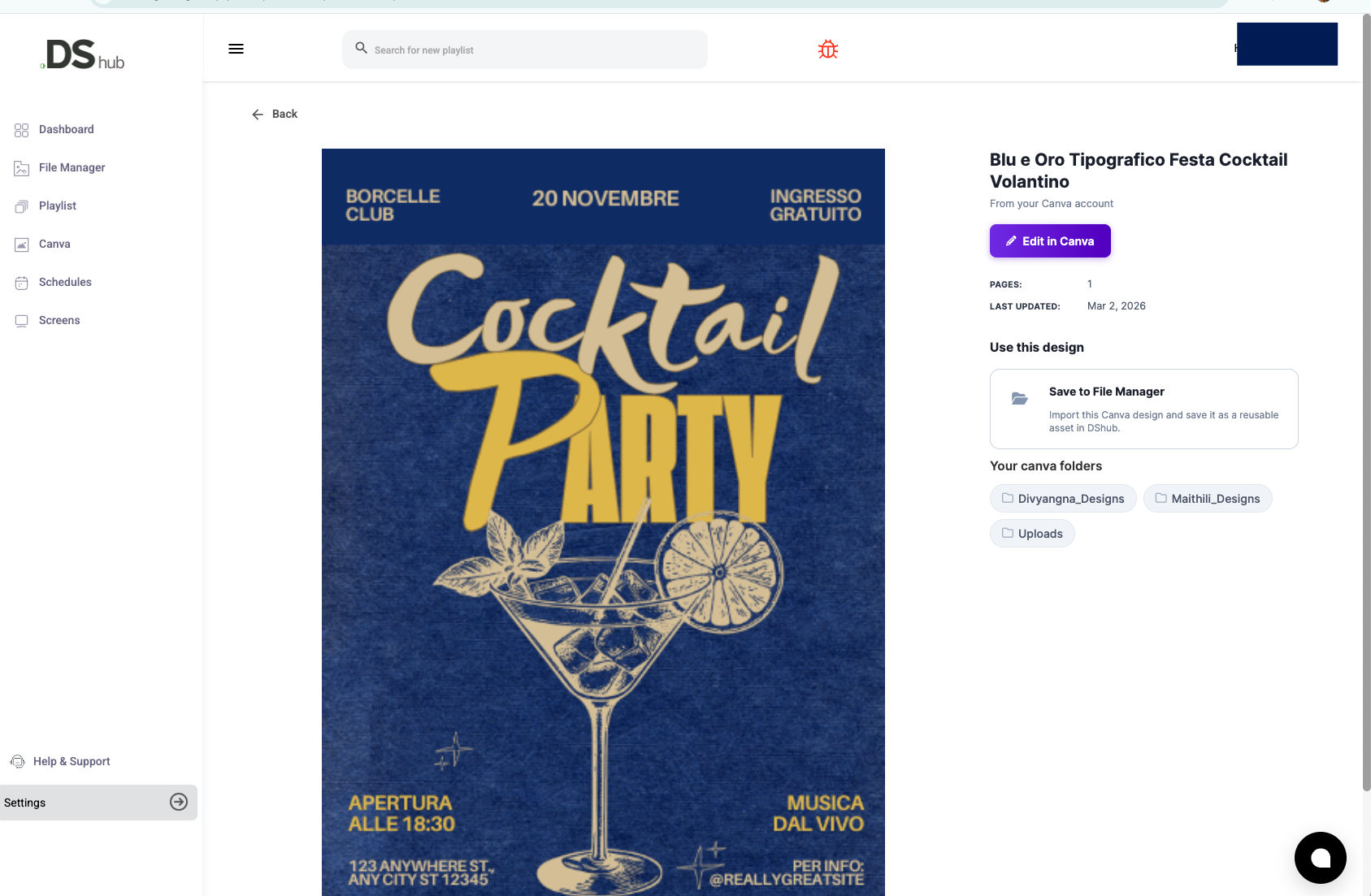
- The Workflow: You tell the AI, "Create a promo for our new latte and show it every morning." -> Done.
- The Hardware: Deeply optimized for Raspberry Pi 4 and 5 to handle HTML5, 4K video, and smooth transitions without lag.
- Best For: Small business owners, marketing managers, and IT teams who want "set-it-and-forget-it" reliability.
- The Advantage: Automated scheduling and generative AI content creation mean your screens are always fresh, relevant, and professional—without you touching a button.
Upgrade your workflow. Try DigitalSigns.ai for free.
Technical Deep Dive: Driving Multi-Screen Setups on Pi
A common question we see is: "Can I drive 3-4 TVs from a single unit?"
With legacy software, the answer is often "No," or "Yes, but with terrible performance." However, DigitalSigns.ai leverages the improved GPU of the Raspberry Pi 5 to handle multi-output scenarios much more gracefully.
For a robust multi-screen setup using our platform:
- Hardware: Use a Raspberry Pi 5 (8GB RAM recommended).
- OS: Flash the DigitalSigns.ai optimized image (based on a stripped-down Linux kernel for maximum performance).
- Video Wall: If you aren't using a hardware video wall controller, our software can sync content across multiple Pis over your local network with millisecond precision, creating a unified video wall effect without the expensive controller hardware.
- Power Scheduling: Our CMS includes native Automatic Power Scheduling commands for the Pi, sending CEC signals to turn your TVs off at closing time—saving you money on energy bills every single night.
Final Verdict
If you want a hobby project, the legacy tools suggested on Reddit are fine. But if you want a business solution that works for you, the choice in 2026 is clear.
DigitalSigns.ai combines the affordability of Raspberry Pi hardware with the cutting-edge power of AI automation. It offers the best digital signage for small business because it respects your most valuable asset: your time.
Don't settle for a digital VCR. Get an intelligent digital signage partner.
Stop fighting with legacy signage software. Sign up for DigitalSigns.ai today and get your first screen running in minutes.