
PURPOSE-BUILT DIGITAL SIGNAGE — NOT STREAMING TV
One stick, unlimited digital
signage potential.
DigitalSigns.ai is available on the Amazon Signage Stick, a compact media player designed specifically for digital signage. Plug it into any compatible display, pair it with DigitalSigns.ai, and manage menus, promos, and announcements from the cloud.
Unlike consumer streaming devices, the Amazon Signage Stick is optimized for reliable, long-duration playback of your business content. When paired with DigitalSigns.ai, it becomes a simple, scalable way to manage screens across one or many locations.
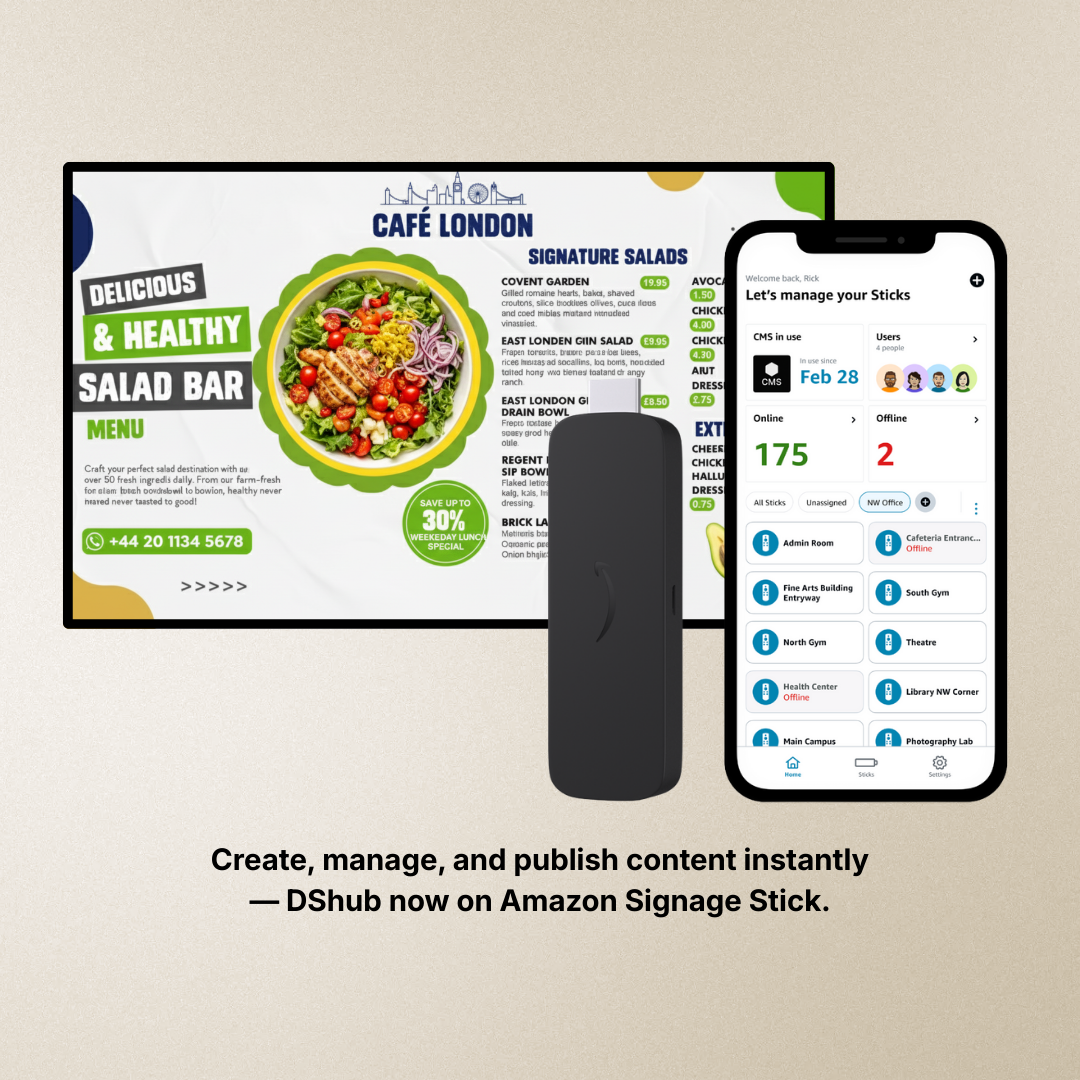
Create, manage, and publish content instantly
— DShub now on Amazon Signage Stick
Instant setup
Connect via HDMI, join Wi-Fi, and start publishing from DigitalSigns.ai.
Built for signage
Purpose-built for business content and reliable playback — not consumer streaming apps.
Cloud control
Update menus, pricing, and playlists from anywhere using DigitalSigns.ai.
Scales with you
Roll out to one or many locations with centralized management.
What is the Amazon Signage Stick?
The Amazon Signage Stick is a compact, affordable media player created specifically for digital signage. Designed to focus on signage, not entertainment, it helps businesses keep content on-screen and on-brand throughout the day.
When paired with DigitalSigns.ai, the Signage Stick becomes a simple, cloud-connected player for restaurants, cafés, retail, schools, and internal communications screens. Add your content in DigitalSigns.ai, assign it to a playlist, and publish it to any paired stick.
Why it’s different from consumer devices
- Purpose-built for signage, not home streaming.
- Helps avoid interruptions caused by consumer streaming apps or remote usage.
- Connects directly to commercial and consumer displays via HDMI.
- Designed for long-duration playback and remote management.
Amazon Signage Stick vs. Amazon Fire TV Stick (High Level)
Both products come from Amazon, but they’re built for different use cases. Fire TV Stick is designed for home entertainment; the Amazon Signage Stick is designed specifically for digital signage scenarios.
| Aspect | Amazon Signage Stick | Amazon Fire TV Stick |
|---|---|---|
| Primary use | ✓ Business digital signage | Home and personal entertainment |
| Focus | Long-duration playback of business content. | Streaming apps, TV shows, and movies. |
| Ideal scenarios | Menus, promos, announcements, information screens. | Home viewing and consumer streaming. |
| How we recommend using DigitalSigns.ai | Recommended for long-term, dedicated signage installations with business-first behavior. | Can be used for testing or simple signage setups where entertainment features are still in use. |
Set up Amazon Signage Stick with DigitalSigns.ai in 3 steps
1. Plug in & connect
Connect the Amazon Signage Stick to your display via HDMI, power it on, and join your network. Use the Amazon Signage mobile app to quickly discover and organize sticks across locations.
2. Complete setup in the Amazon Signage app
From the Amazon Signage app, name your devices, group them by location, and confirm they’re online. This gives you a clear view of every screen in your network.
3. Pair with DigitalSigns.ai & publish
In DigitalSigns.ai, add a new screen, enter the pairing details, and assign playlists or schedules. Your menus, promotions, and messages will publish instantly to the Amazon Signage Stick.
Where Amazon Signage Stick + DigitalSigns.ai works best
A flexible combination for both customer-facing and internal communication screens.
Restaurants & cafés
Digital menu boards, daily specials, upsell combos and promos.
Retail & convenience
Shelf talkers, in-store offers, product highlights, and seasonal campaigns.
Schools & campuses
Announcements, events, bell schedules, and wayfinding.
Offices & operations
Dashboards, KPIs, shift information, and internal notices.
Frequently Asked Questions
Ready to pair DigitalSigns.ai with Amazon Signage Stick?
Use the Amazon Signage Stick as your dedicated, purpose-built player and control every screen from the DigitalSigns.ai dashboard. Start with a single display and grow to multiple locations without changing your content workflow.
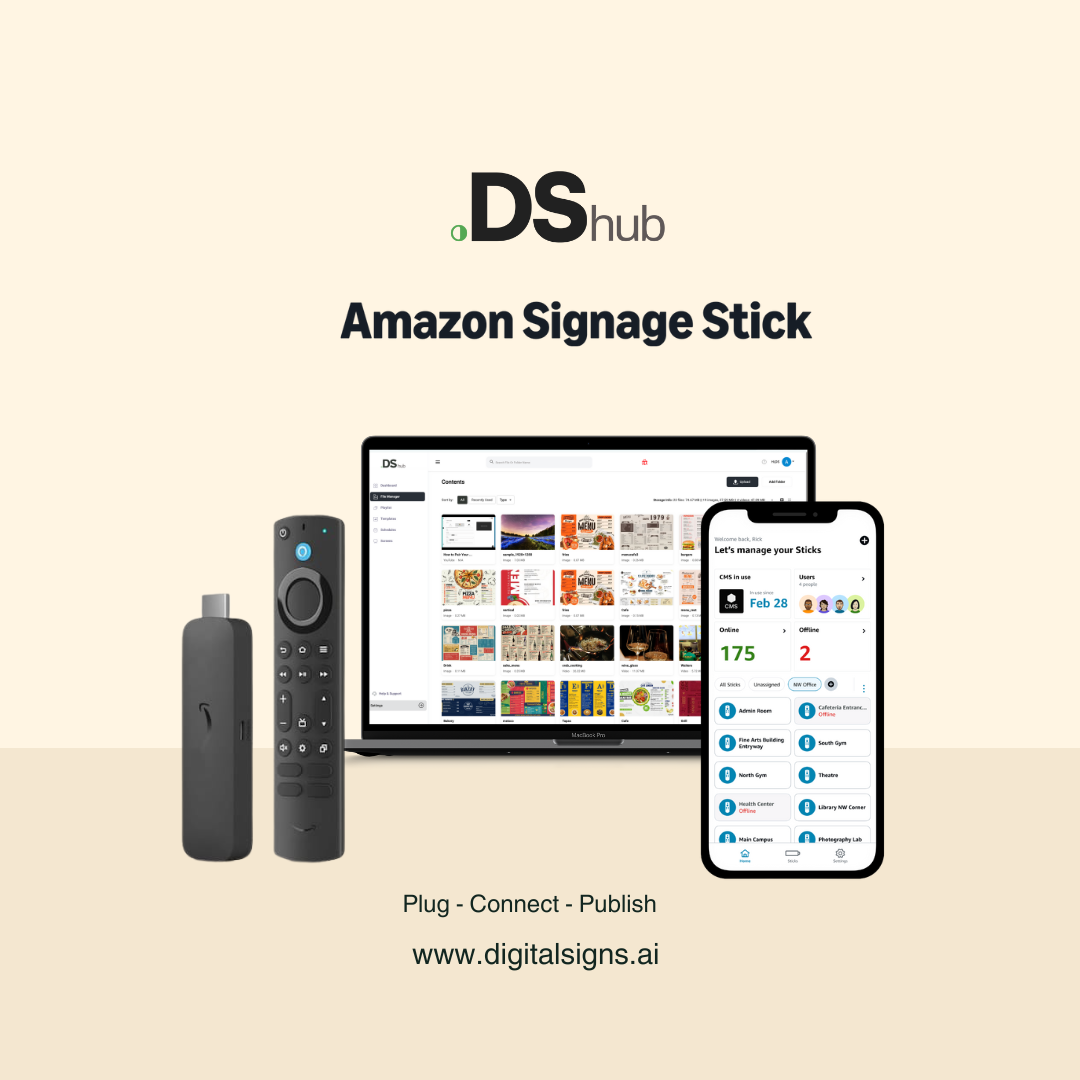
Play - Connect - Publish
www.digitalsigns.ai